QR Code Ordering

Table ordering, reinvented

Customers scan a QR code on their table, browse your menu, and pay — all from their own phone. Faster service, fewer trips to the counter, and staff free to focus on hospitality rather than order-taking.

Faster
Table turn times
Zero
App download required
Direct
Orders to kitchen

No app required · Go live in days · NZ-built and supported
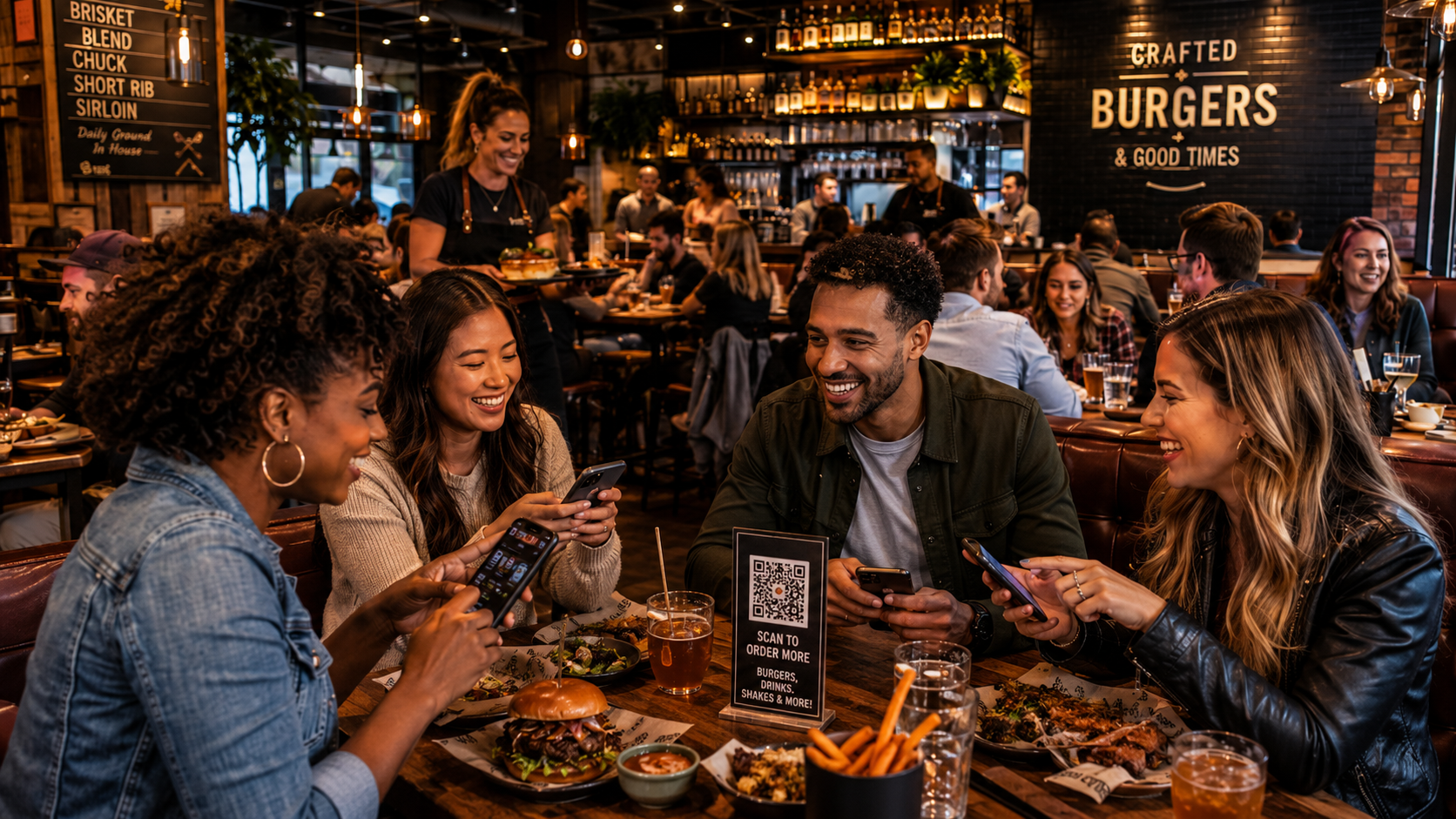
Customer scanning a QR code to order at a restaurant table — QJumper
What QR Code Ordering delivers

Scan. Order. Pay. Done.

A seamless table ordering experience that benefits customers, staff, and your business.

Faster table service

Customers order as soon as they sit down — no waiting for staff, no queuing at the counter. Tables turn faster and customers enjoy the experience more.

Staff focus on hospitality

When customers order themselves, your team can focus on delivering great food and service — not taking orders and running backwards and forwards between tables.

Fewer order errors

Customers enter their own order — exactly as they want it. Dietary requirements, modifications, and special requests are captured accurately every time.

Direct POS integration

QR orders flow directly to QJumper POS and the kitchen display — the same stream as counter and every other ordering channel. No middleware, no manual relay.

Pay at the table

Customers pay directly through the QR experience — card or mobile wallet. No waiting for the bill. Faster checkout, and one fewer bottleneck at close of service.

No app download needed

The entire ordering experience runs in the customer's mobile browser. Scan, order, pay — no app store, no account required unless you want loyalty integration.

The experience

Four steps for your customers

1

Scan the QR code

A QR code on the table, tent card, or receipt opens your branded ordering experience instantly in their browser.

2

Browse the menu

Your full digital menu — with photography, descriptions, and allergen information — right on their phone.

3

Place the order

Add items, customise as needed, and confirm. The order fires directly to the kitchen.

4

Pay and leave

Card or mobile wallet payment on their own device. No waiting for the bill. Done.

Pair QR ordering with table service, seamlessly

QR Code Ordering connects to QJumper POS so counter staff and table orders flow into one unified system — no separate reporting, no separate kitchen ticket stream.

FAQ

QR ordering questions

No. The QR code opens directly in their phone's browser — no app download, no account creation required. Customers scan and start ordering immediately.
QR orders flow directly into QJumper POS and your kitchen display system — the same ticket stream as counter and kiosk orders. No manual relay required.
Yes. Card and mobile wallet payments are built into the QR ordering flow. Customers pay directly on their device — no waiting for the bill and no separate payment terminal required at the table.
Yes. QR Code Ordering works alongside counter and kiosk ordering — not as a replacement. Many venues offer all three and let customers choose how they prefer to order.
Yes. QJumper lets you configure which menu items and categories appear per channel. You can show your full menu via QR or tailor it — for example, showing a dine-in menu with different items or pricing than your web ordering menu. All managed from the same central menu system.
Most venues are live within a few days. Setup involves configuring your menu, branding the ordering experience, and generating your QR codes. Our NZ-based team handles the process with you from start to go-live.
Yes. QJumper supports multi-site QR ordering with individual branded experiences per location, centralised menu management, and consolidated reporting. It's well suited to franchise groups running dine-in across multiple sites.
Get started

See QR Code Ordering in action

Book a demo and we'll show you exactly how the customer experience works. No obligation.

✓ Response within one business day ✓ 30-minute demo, tailored to your venue type ✓ NZ-based team, no offshore handoffs

We'll be in touch within one business day. No obligation.